




Master queryDef in Adobe Campaign
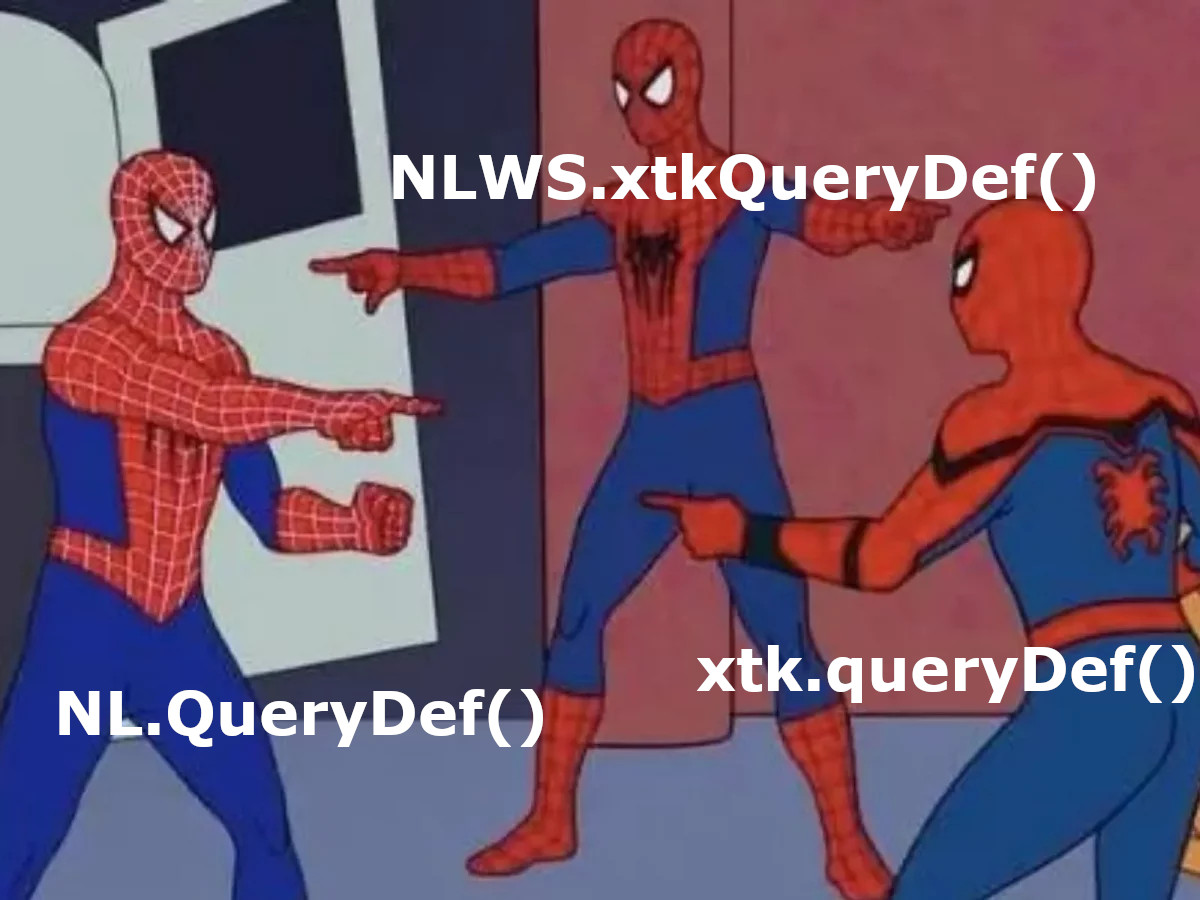
If you need to retrieve records from the database in Adobe Campaign Classic using JavaScript, queryDef is one of the key tools you’ll rely on. It’s a static SOAP method commonly used in workflows and web applications. What’s often overlooked, though, is that there are actually three different ways to use it. In this post, we’ll walk through each approach, highlight their differences, and help you figure out which one makes the most sense for your use case.
Different ways to execute query with queryDef
This method allows you to search data within a specific schema. It requires authentication (a valid login) and an XML document that defines the query you want to run. The response is also in XML format, returning results based on the schema you queried.
In the next section, we’ll look at the different ways you can use this method within Adobe Campaign.
xtk.queryDef.create()
The “older” version uses XML for creating the query definitions. You can take a look at the official data oriented adobe campaign API documentation
Below is a list of available options you can use with queryDef to control how data is queried, filtered and returned:
<queryDef schema="schema_key" operation="operation_type">
  <select>
    <node expr="expression1"/>
    <node expr="expression2"/>
  </select>
  <where>
    <condition expr="expression1"/>
    <condition expr="expression2"/>
  </where>
  <orderBy>
    <node expr="expression1"/>
    <node expr="expression2"/>

  </orderBy>
  <groupBy>
    <node expr="expression1"/>
    <node expr="expression2"/>

  </groupBy>
  <having>
    <condition expr="expression1"/>
    <condition expr="expression2"/>

  </having>
</queryDef>
The operation attribute defines how data should be retrieved, with the following options:
get– Fetches a single record. An error is returned if the record isn’t found.getIfExists– Also fetches one record, but returns an empty result instead of an error if nothing is found.select– Retrieves multiple records using a cursor. Returns an empty set if no matches exist.count– Returns the number of records that match the query.
Return values in queryDef
When using queryDef, the structure of the returned data isn’t always the same — it depends on two key factors: the operation you specify (get, select, count, etc.) and the fields or expressions defined in the <select> clause. These determine whether you get a single record, multiple results, or just a count value — and in what XML structure they’re returned.
Below are some examples to illustrate how each operation affects the format of the output.
get
Returns a single record. If no match is found, an error is thrown. It is good to use try catch clause or use operation getIfExists
var query = xtk.queryDef.create(
  <queryDef schema="xtk:workflow" operation="get">
    <select>
      <node expr="@internalName" />
      <node expr="[folder/@name]" />
    </select>
    <where>
      <condition expr="[folder/@name] = 'Folder3208'"/>
    </where>
    <orderBy>
      <node expr="@internalName" sortDesc="false"/>
    </orderBy>
  </queryDef>);
var result = query.ExecuteQuery();

logInfo( result.toXMLString());
//19/06/2025 08:31:42	js	<workflow  internalName="WKF56353"><folder name="Workflows - MSZ"/></workflow>

logInfo(result.@internalName);
//19/06/2025 08:31:42	js	WKF56353

logInfo(result.folder.@name);
//19/06/2025 08:43:58	js	Folder3208
<workflow internalName="WKF56353"><folder name="Workflows - MSZ"/></workflow>select
Returns a list of matching records. Each result is a child node under the schema’s root:
var query = xtk.queryDef.create(
  <queryDef schema="xtk:workflow" operation="select">
    <select>
      <node expr="@internalName" />
      <node expr="[folder/@label]" />
    </select>
    <where>
      <condition expr="[folder/@name] = 'Folder3208'"/>
    </where>
    <orderBy>
      <node expr="@internalName" sortDesc="false"/>
    </orderBy>
  </queryDef>);
var result = query.ExecuteQuery(),w;

for each (w in result.workflow)
  logInfo(w.@internalName)
//19/06/2025 08:40:56	js	WKF56353
//19/06/2025 08:40:56	js	WKF56354
//19/06/2025 08:40:56	js	WKF56355
<workflow-collection>
<workflow folderLabel="Workflows - MSZ" workflowName="WKF56353"/>
<workflow folderLabel="Workflows - MSZ" workflowName="WKF56354"/>
<workflow folderLabel="Workflows - MSZ" workflowName="WKF56355"/>
...
</workflow-collection>count
Returns the number of matching records. The value is wrapped in a <count> element:
var query = xtk.queryDef.create(
  <queryDef schema="xtk:workflow" operation="count">
    <where>
      <condition expr="[folder/@name] = 'Folder3208'"/>
    </where>
  </queryDef>);
var result = query.ExecuteQuery();

logInfo( result.toXMLString());
//19/06/2025 08:49:40	js	<workflow count="79"/>
logInfo(result.@count)
//19/06/2025 08:49:40	js	79
Subqueries
Additionally you can use subqueries in the where conditions:
<condition setOperator="AND">
  <subQuery schema="xtk:recipient">
    <select>
      <node expr="[@recipient-id]"/>
    </select>
    <where>
      <condition setOperator="OR">
        <condition expr="[@status]='active'"/>
        <condition expr="[@status]='pending'"/>
      </condition>
    </where>
  </subQuery>
  <condition setOperator="AND">
    <condition expr="[@age]>=18"/>
    <condition expr="[@country]='USA'"/>
  </condition>
</condition>
The function offers a high level of versatility, allowing you to define and execute queries similar to those created in the query editor.
TIP:A useful tip is to first create your query in the query editor and then extract the XML source code of the query section. This XML code can be directly copied into the queryDef XML structure, enabling you to effortlessly create and test complex queries. This streamlined approach empowers you to leverage the full potential of queryDef and efficiently handle various query scenarios.

var query = xtk.queryDef.create(
  <queryDef schema="nms:deliveryLog" operation="select">
    <select>
      <node expr="@id"/>
      <node expr="@eventName"/>
      <node expr="@eventDate"/>
      <node expr="@messageId"/>
    </select>
    <where>
      <condition expr="@eventDate>=date('2022-01-01')" />
    </where>
    <orderBy>
      <node expr="@eventDate" sortDesc="true" />
    </orderBy>
  </queryDef>
);

var res = query.ExecuteQuery(),log;

for each (log in res.deliveryLog) {
  var logId = log.@id;
  var eventName = log.@eventName;
  var eventDate = log.@eventDate;
  var messageId = log[@messageId];

  logInfo("Log ID: " + logId);
  logInfo("Event Name: " + eventName);
  logInfo("Event Date: " + eventDate);
}
In the provided code snippet, you may observe the usage of a special function called ‘for each’ which is specific to Adobe Campaign. This function allows you to iterate and traverse over data structures, such as result sets, in a convenient manner.
NLWS.xtkQueryDef()
As the programming world gradually shifts away from XML and embraces JSON, it’s worth noting that the new implementation of xtkQueryDef in Adobe Campaign Classic allows you to work with JXON (JSON/XML Object Notation). This means you can leverage the flexibility and simplicity of JSON while still utilizing the power of xtkQueryDef. Embracing JXON provides a modern approach to querying data, aligning with the industry trend and offering enhanced capabilities for data manipulation.
JXON xtkQueryDef function, being based on the same features as XML one, empowers you to create virtually any query you would with the XML queryDef.
var query = NLWS.xtkQueryDef.create({
  queryDef: {
    schema: "nms:recipient",
    operation: "select",
    select: {
      node: [
        { expr: "@id" },
        { expr: "@firstName" },
        { expr: "@lastName" }
      ]
    },
    where: {
      condition: [
        { expr: "[@country]='USA'" },
        { expr: "[@age]>=18" }
      ]
    },
    orderBy: {
      node: { expr: "@lastName", sortDesc: "false" }
    }
  }
});

var res = query.ExecuteQuery();
var profiles = res.getElementsByTagName("recipient");

for each (var profile in profiles) {
  var firstName = profile.getAttribute("firstName");
  var lastName = profile.getAttribute("lastName");
  logInfo("Profile: " + firstName + " " + lastName);
}
Couple more article to explore next:
- For reusable dynamic filters and query conditions, see Mastering Dynamic Queries in Adobe Campaign.
- For broader SOAP integration patterns and QueryDef usage, see the Adobe Campaign Classic API guide.
NL.QueryDef()
Last but certainly not least, there is another variant of the queryDef function that I find particularly fascinating. While delving into the core JavaScript libraries of Adobe Campaign, I came across an undocumented function that instantly captured my interest. What sets this humble function apart is its ability to return the query results in JSON format, allowing you to effortlessly process and manipulate the data using native JavaScript functions. Despite the absence of official documentation, this variant offers the same powerful features as the previously mentioned queryDef functions, while providing the added advantage of JSON compatibility.
You can find the entire implementation under JavaScirpt libraries
- xtk:que
🔒 Premium Subscriber Content
Please log in to preview content. Log in or Register
You must log in and have a Premium Subscriber account to preview the content.
When upgrading, please use the same email address as your WordPress account so we can correctly link your Premium membership.
Please allow us a little time to process and upgrade your account after the purchase. If you need faster access or encounter any issues, feel free to contact us at info@martechnotes.com or through any other available channel.
To join the Discord community, please also provide your Discord username after subscribing, or reach out to us directly for access.
You can subscribe even before creating a WordPress account — your subscription will be linked to the email address used during checkout.
Premium Subscriber
29,99 € / Year
- Free e-book with all revisions - 101 Adobe Campaign Classic (SFMC 101 in progress)
- All Premium Subscriber Benefits - Exclusive blog content, weekly insights, and Discord community access
- Lock in Your Price for a Full Year - Avoid future price increases
- Limited Seats at This Price - Lock in early before it goes up
- Monthly 15-Minute Call - Discuss any topic directly
Share With Others
 Platinum





Pablo Fernandez
says:Thank you for this!
Marcel Szimonisz
says:Hey, long time no see. You are most welcome hope you find things in here usefull in case you are still in adobe campaign world.
David Garcia
says:Hey Brother, good work keep it up!