


🔥 500+ people already subscribed. Why not you? Get our newsletter with handy code snippets, tips, and marketing automation insights.

background shape
background shape

How to Download and Install Adobe Campaign Classic

There is a possibility to download the latest server release of Adobe Campaign Classic v7. This provides an opportunity to set up a sandbox environment for learning purposes.

You can find all the files along with the client console installation under the software distribution. The only requirement is to have your Adobe ID linked to Adobe Experience Cloud solution. And this is exclusively available to Adobe partners. Check with your company to see if they have partnered with Adobe and if they can add your Adobe ID.
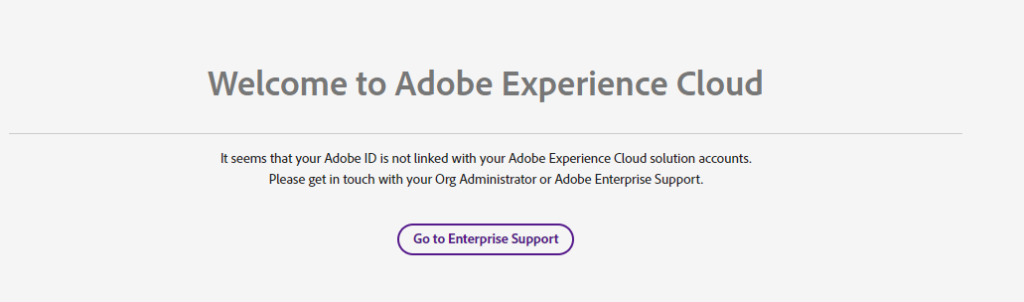
Adobe Campaign - Adobe experience cloud

When all set and you have the access to download the installation files, next you can look on how to install the application server on debian.

Oh hi there 👋
I have a SSJS skill for you.

Sign up now to get an SSJS skill that can be used with your AI companion

We don’t spam! Read our privacy policy for more info.

Share With Others

The Author
Marcel Szimonisz

Marcel Szimonisz

MarTech consultant

I specialize in solving problems, automating processes, and driving innovation through major marketing automation platforms, particularly Salesforce Marketing Cloud and Adobe Campaign.

Your email address will not be published. Required fields are marked *

Buy me a coffee
Subscribe

Get exclusive tips, scripts and news

Choose your topics

We don’t spam! Read our privacy policy for more info.

Similar posts


