How to copy query conditions to another split in Adobe Campaign

Perhaps you’ve encountered an unusual occurrence while attempting to copy complex query conditions to your clipboard. In some instances, only a portion of the content was copied, while in others, nothing was copied at all.
I’ve personally faced similar situations over the years but never delved deeper into the matter. However, one day, I reached a point where I could no longer ignore it and decided to investigate the root cause behind this mind-boggling behavior.
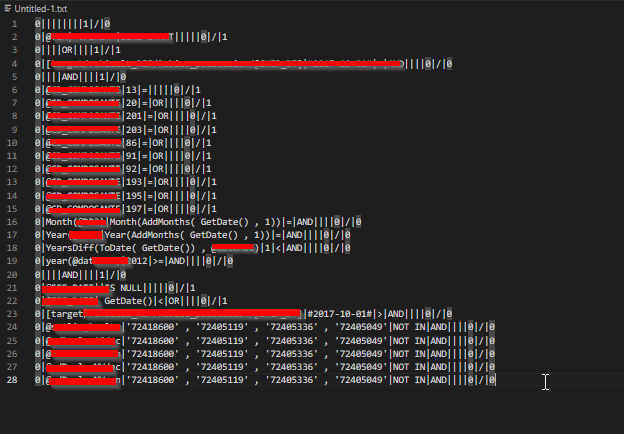
It appears that copying extensive queries with numerous nested attributes might pose a challenge. Instead, you can opt to copy them in separate sections and subsequently paste each section into a text editor. Once all sections are copied, you can then aggregate the complete query conditions from the text editor and paste them into the new query builder. This workaround allows for a smoother handling of complex queries while ensuring accuracy and completeness during the transfer process.
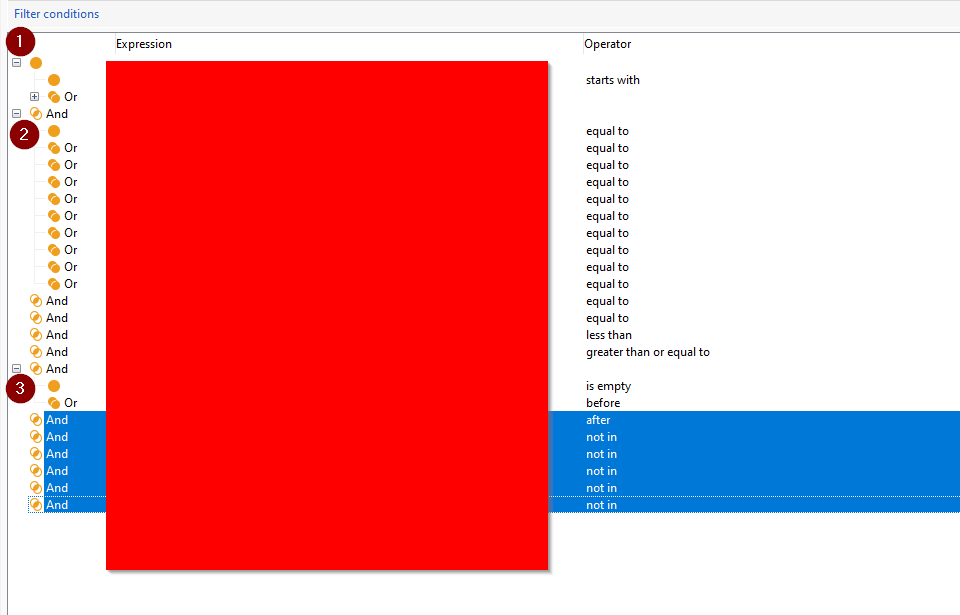
The aforementioned conditions have been divided into three distinct sections, sequentially copied, and subsequently transferred to the new query editor. Lo and behold we copied complex query to another query builder.