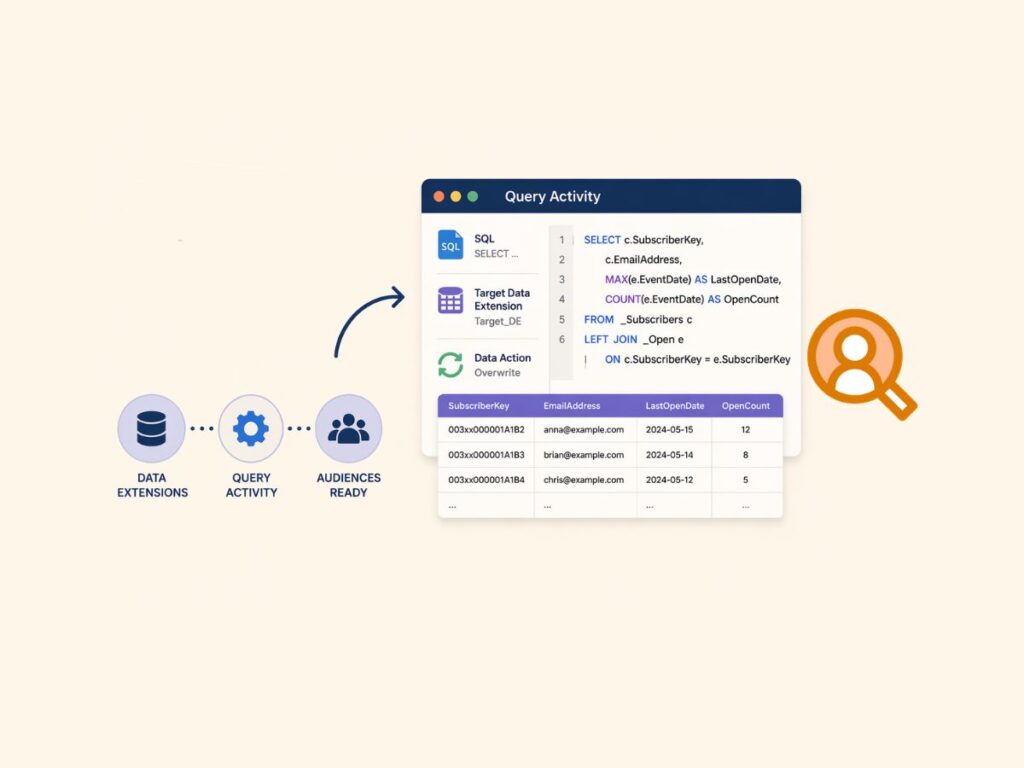
Automation Studio in Salesforce Marketing Cloud is the platform’s core tool for orchestrating data processing, segmentation, and campaign-related workflows. It allows teams to build scheduled and repeatable processes that move and transform data between data extensions, trigger downstream activities, and prepare audiences for activation. In practice, it becomes the backbone of most production setups, where data needs to be consistently shaped and refreshed without manual intervention.
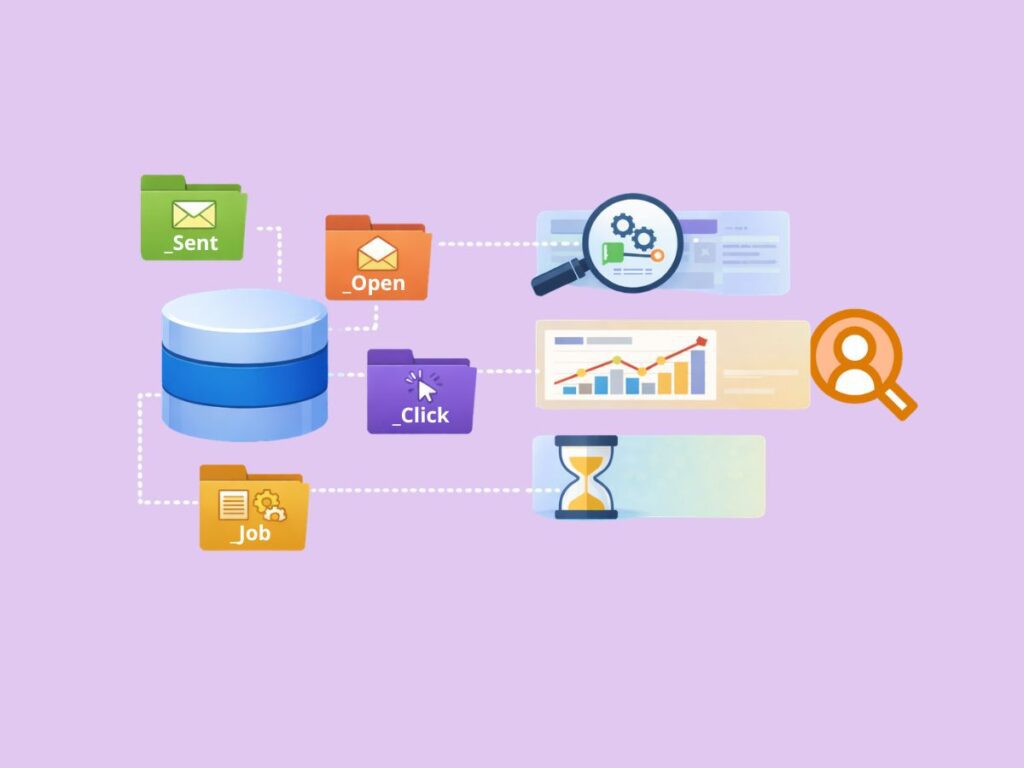
Automation Studio has been part of Salesforce Marketing Cloud since its early ExactTarget days and continues to be a foundational component of the platform. While other tools handle execution such as email sends or journey orchestration, Automation Studio is responsible for the underlying data operations. This separation is important because most scalable marketing use cases depend on reliable, automated data pipelines rather than one-off actions.
The tool is primarily used for running SQL Query Activities, importing and exporting data, filtering audiences, and executing scripts through SSJS. A common setup includes chains of activities where raw data is ingested, cleaned, deduplicated, and transformed into channel-ready data extensions. These processes are often scheduled to run daily or hourly, ensuring that segmentation and personalization always rely on up-to-date data.
What typically happens in real implementations is that Automation Studio becomes an “audience factory” that feeds other parts of the platform. Journey Builder, Email Studio, and other tools depend on the outputs created here. When designed properly, it reduces manual work, improves performance, and enables teams to scale complex segmentation and campaign logic across large datasets.